▶️ Introduction to JavaScript (15:31)
▶️ Variables and Data Types in JavaScript (14:54)
▶️ Rules for Naming Variables in JavaScript (10:07)
▶️ Operators in JavaScript (12:35)
▶️ If Else Statements in JavaScript (08:25)
▶️ Objects in JavaScript (08:39)
▶️ Loops in JavaScript (12:40)
▶️ Break and Continue in JavaScript (06:11)
▶️ Functions in JavaScript (16:41)
▶️ Arrays in JavaScript (08:52)
▶️ Array Methods in JavaScript (09:25)
▶️ Strings in JavaScript (11:19)
▶️ Template Literals in JavaScript (05:33)
▶️ String Methods in JavaScript (13:23)
Limited Time Offer! Buy Today For ₹299/-
Web Development course Earn Upto 25LPA
 Build Modern, Professional Websites from Scratch — Even If You’re a Complete Beginner
Build Real-World Projects and Become Job-Ready in 2025
[hurrytimer id="46"]
Introduction to web development
▶️ Introduction to Web Development (01:38)
▶️ Installing VS Code & Setting up our environment (02:51)
▶️ History of Web Development (04:01)
▶️ How Websites Work (02:57)
▶️ Interactive session on Web Development
HTML basics
▶️ Introduction to HTML (14:06)
▶️ Headings and Paragraphs (10:16)
▶️ Formatting Text: Bold, Italics, Underline, etc. (04:30)
▶️ HTML Comments and Whitespace (07:44)
▶️ Links and Anchor Tags (09:25)
▶️ Images in HTML (10:13)
▶️ Lists: Ordered and Unordered (05:16)
▶️ Tables in HTML (07:03)
▶️ HTML Forms: Inputs, Labels, and Buttons (08:49)
Advance HTMl
▶️ Form Elements: Radio, Checkbox, Select, Textarea (10:32)
▶️ Inline vs Block Elements & HTML5 Semantic Tags (06:13)
▶️ HTML Entities & Special Characters (05:30)
▶️ Audio and Video Embedding (06:04)
▶️ iFrames and Embedding Content (05:35)
▶️ Using Meta Tags and SEO Basics (07:20)
▶️ Internal vs External Links (03:04)
▶️ Best Practices for Writing Clean HTML (05:10)
Project 1- Distrack free Youtube
▶️ Introduction to DF YouTube (07:26)
▶️ Adding Videos (04:53)
▶️ Creating More Pages (04:35)
▶️ Wrapping Up DF YouTube (05:03)
Introduction to CSS
▶️ Introduction to CSS (14:54)
▶️ CSS Syntax and Selectors (14:30)
▶️ Colors in CSS (07:04)
▶️ Box Model in CSS (17:32)
▶️ Units in CSS (09:37)
▶️ Typography in CSS (10:10)
▶️ Backgrounds and Borders (10:22)
▶️ Margin and Padding (10:54)
▶️ The Display Property (05:16)
▶️ Positioning in CSS (14:20)
Advance CSS
▶️ Flexbox in CSS (23:14)
▶️ Grid Layout in CSS (10:40)
▶️ Responsive Design with Media Queries (10:45)
▶️ CSS Variables and Custom Properties (07:53)
▶️ Transitions and Animations in CSS (11:40)
▶️ CSS Transformations (09:22)
Project 2- Personal website using CSS & HTML
▶️ Introduction & Project Setup (10:04)
▶️ Designing the Navbar (06:16)
▶️ Adding Google Fonts to our Portfolio Website (03:34)
▶️ Designing the Hero Section (09:35)
▶️ Adding buttons to Hero Section (09:27)
▶️ Adding Projects Section to our Portfolio Website (18:33)
▶️ Adding Hover Effects to our Portfolio Website (05:24)
▶️ Making the Portfolio Website Responsive (18:31)
DOM Manipulation
▶️ Introduction to DOM (06:54)
▶️ Accessing the DOM (04:44)
▶️ Selecting Elements (04:51)
▶️ getElementById: Selecting HTML Element using ID (04:39)
▶️ getElementsByClassName: Selecting HTML Elements using class name (05:50)
▶️ getElementsByTagName: Selecting HTML Elements using tag name (04:35)
▶️ querySelector & querySelectorAll: Selecting Elements using CSS Selector (04:45)
DOM Manipulation
▶️ Changing Content & Styling using JavaScript (14:18)
▶️ Working with Attributes and Classes in JavaScript (15:35)
▶️ Creating, Appending, and Removing Elements in JavaScript (08:14)
Events In Javascripts
▶️ Introduction to Events in JavaScript (12:50)
▶️ Event Listeners in JavaScript (06:53)
▶️ Event Propagation and Delegation (09:23)
▶️ Preventing Default Actions and Stopping Propagation (06:33)
Advance Javascripts Concepts
▶️ Working with localStorage in JavaScript (14:32)
▶️ Parsing JSON in JavaScript (08:06)
▶️ Error Handling in JavaScript (07:49)
▶️ setTimeout & setInterval (08:20)
Project 3- Todo List using Pure HTLM,CSS & Javascript
▶️ Introduction & Project Setup (04:08)
▶️ Adding Event Listeners to “Add Todo” Button (05:47)
▶️ Saving Todos to localStorage (05:49)
▶️ Populating Todos on the Screen (10:47)
▶️ Making the checkboxes respond to clicks (08:16)
▶️ Updating Todos when checkboxes are clicked (16:30)
▶️ Adding Delete Todo Button (12:50)
▶️ Refining Delete Todos and Bug Fixes (07:55)
▶️ Adding Confirm Dialogue before deleting todos (07:41)
▶️ Adding Logic for Clear Completed Todos (06:16)
Working With Node.js
▶️ Introduction to Node.js (11:57)
▶️ Installing Node.js and npm (04:04)
▶️ Using npm Packages (10:37)
▶️ Creating a Simple Node.js Application (06:46)
▶️ Modules in Node.js (05:12)
▶️ ES6 vs CommonJS Modules (04:27)
▶️ Node.js Wrapper Function (03:44)
▶️ Synchronous vs Asynchronous JavaScript (09:44)
▶️ Callbacks in JavaScript (08:30)
Web Development using Express.js
▶️ Introduction to Express.js (03:20)
▶️ Installing Express.js (06:21)
▶️ GET, POST, PUT & DELETE requests (08:02)
▶️ Query Parameters (06:27)
▶️ Serving Static Files (04:35)
▶️ Rendering HTML Files (11:45)
▶️ Template Engines & EJS (10:15)
▶️ Using Loops & Conditions in EJS (05:35)
Version Control- Git For Web Developers
▶️ Introduction to Git and GitHub (09:28)
▶️ Installing Git (03:33)
▶️ Basic Git Workflow (09:26)
▶️ Writing commands for git workflow (10:29)
▶️ Cloning a repository (08:05)
▶️ Tracking and managing changes (15:14)
▶️ Creating a gitignore file (08:30)
▶️ Removing files from git repository (06:47)
▶️ Branches in Git (14:22)
▶️ Merging Branches & Merge Conflict (10:16)
▶️ Working with GitHub (09:41)
▶️ Working with Remote Repositories (09:03)
▶️ Working with GitHub Desktop (11:14)
▶️ Git Stash (09:49)
▶️ Using git in VS Code (09:11)
▶️ Using GitLens VS Code Extension (03:23)
[hurrytimer id="46"]
⚠️ Without Guidance

❌ Confused by HTML, CSS, and JavaScript — nothing seems to connect.
❌ Jumping between random YouTube tutorials but never actually finishing a project.
❌ Struggling to make your websites responsive and mobile-friendly.
❌ Stuck with copy-paste code, but don’t really understand how it works.
❌ Lost in “tutorial hell” with no clear roadmap to becoming a real web developer.

✅ Master the foundations: HTML, CSS, JavaScript, Node.js, MongoDB & GitHub.
✅ Learn how to design modern, responsive websites step by step.
✅ Build real-world projects like portfolios, to-do apps, and full web applications.
✅ Understand how to use AI tools to speed up your web development workflow.
✅ Gain the confidence to apply for jobs, freelance gigs, or launch your own projects.
✅ Follow a clear, beginner-friendly roadmap that takes you from absolute zero → job-ready developer.
[hurrytimer id="46"]
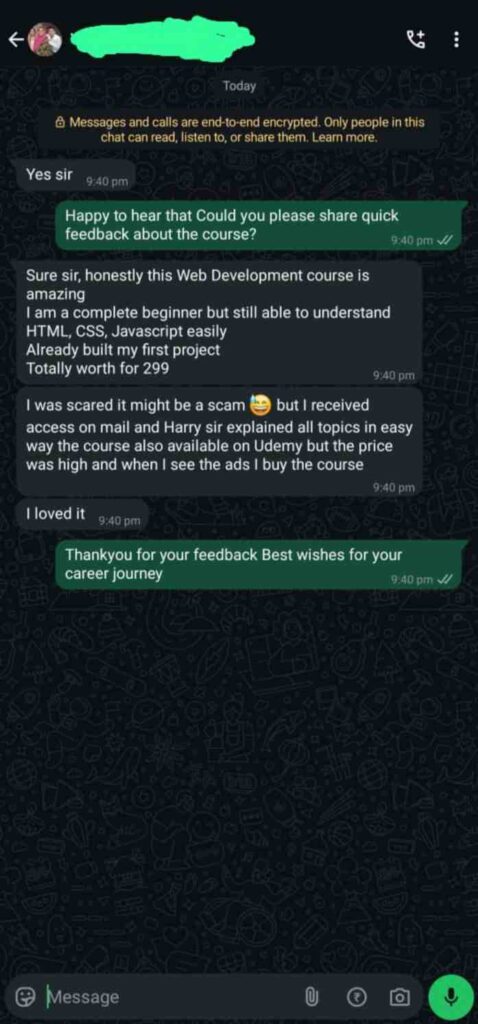
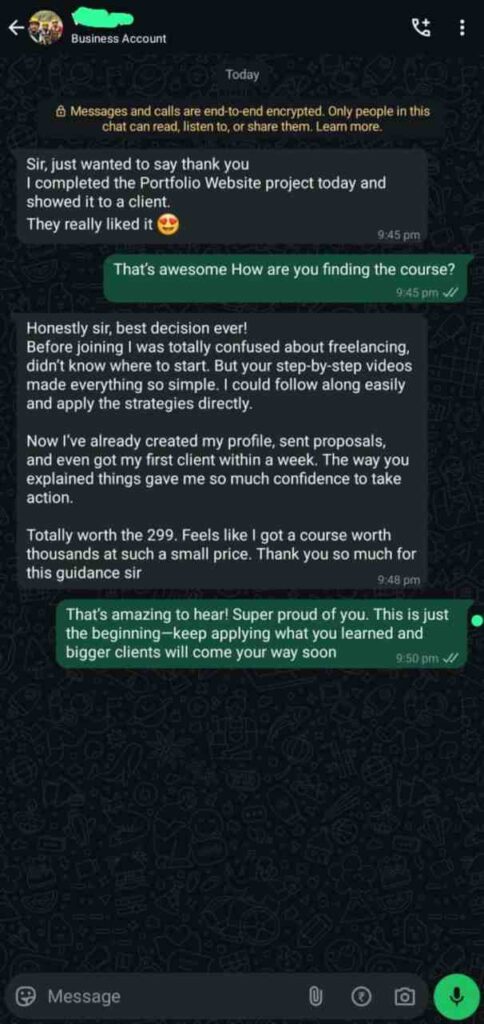
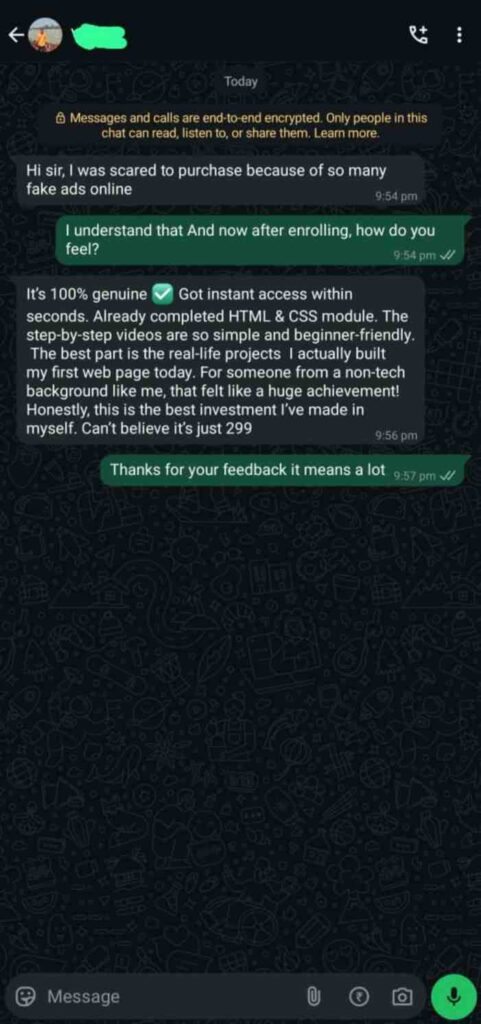
What you'll learn
Understand how websites work and how you can build them from scratch
Find the best tool to build your websites in modern era
Understand how to use AI to accelerate your development
Build projects along the side and get the best learning experience!
Master responsive design so your websites look perfect on mobile, tablet, and desktop.
Work with real-world databases (MongoDB) & backend (Node.js/Express) to build full-stack apps.
Learn Git & GitHub to manage your projects like a professional developer.
Get career-ready skills to land freelance gigs, internships, or developer jobs with confidence.
[hurrytimer id="46"]
Why Take This Course?
✅ Beginner-Friendly – Start from zero; no coding experience required.
✅ Step-by-Step Roadmap – Learn HTML, CSS, JavaScript, Node.js, MongoDB & GitHub in a clear sequence.
✅ Project-Based Learning – Build real-world websites, a portfolio site, and full web applications.
✅ Modern Skills for 2025 – Learn responsive design, AI-powered tools, and the latest frameworks used in the industry.
✅ Career-Focused Training – Gain the skills needed to land freelance projects, internships, or high-paying developer jobs.
✅ AI-Powered Development – Use GitHub Copilot & modern AI tools to code smarter and faster.
✅ Interview & Portfolio Prep – Get guided practice, interview questions, and build projects you can showcase to employers/clients.
✅ Lifetime Access & Free Updates – Always stay updated as web technologies evolve.
👩💻 Who Is This Course For?
✅ Absolute Beginners – If you have zero coding knowledge but want to start building websites from scratch.
✅ Students & Graduates – Looking to add in-demand skills to your resume and increase job opportunities in tech.
✅ Aspiring Freelancers – Want to earn online by building websites, landing clients, and starting your freelancing journey.
✅ Career Switchers – Professionals from non-tech backgrounds who want to transition into web development.
✅ Entrepreneurs & Creators – Business owners or content creators who want to build and manage their own websites without relying on others.
✅ Developers Refreshing Skills – Those who learned outdated methods and want to upgrade with modern, 2025-ready tools & AI-powered workflows.
Some Frequent Asked Question
Do I need any prior programming experience to join this course?
Not at all! This course is designed for complete beginners. We start from scratch and guide you step by step.
How is this course different from free tutorials on YouTube?
Free tutorials are scattered, outdated, and lack structure. This course follows a clear roadmap, includes real projects, AI integration, and provides lifetime updates — everything you need in one place.
What kind of projects will I build in this course?
You’ll build a portfolio website, to-do app, responsive landing pages, and full-stack web apps with Node.js & MongoDB — projects you can proudly showcase to clients or employers.
Will this course help me get a job in tech?
Yes! The course is career-focused — you’ll gain in-demand skills, build projects for your portfolio, and even get interview prep resources to boost your job chances.
Is this a one-time payment or subscription?
It’s a one-time payment of ₹299. No subscriptions, no hidden charges. Lifetime access is included.
How long will I have access to the course?
Lifetime access. Learn at your own pace and revisit the content anytime, including all future updates.
I’m working/studying full-time. Can I still take this course?
Absolutely! The course is self-paced. You can study whenever you want, even if you only have 1–2 hours a day.
Who is this course best suited for?
Beginners, students, freelancers, career switchers, and anyone who wants to build websites or enter tech in 2025.
Will I learn about AI and modern coding tools in this course?
Yes! You’ll learn how to use AI tools like GitHub Copilot to speed up development and work like a modern developer.
What tools/software do I need?
Just a laptop/PC with internet access. We’ll guide you to install VS Code, Node.js, and other free tools needed for web development.